Workspace
Ce contenu n’est pas encore disponible dans votre langue.
Workspace
Section titled “Workspace”Running a model is only part of the job. Real work also needs project files, notes, terminals, Git, logs, and somewhere to keep useful reference material.
LM Nexus keeps those things in the same workspace as Chat and agents, so you do not have to keep copying context between separate apps.
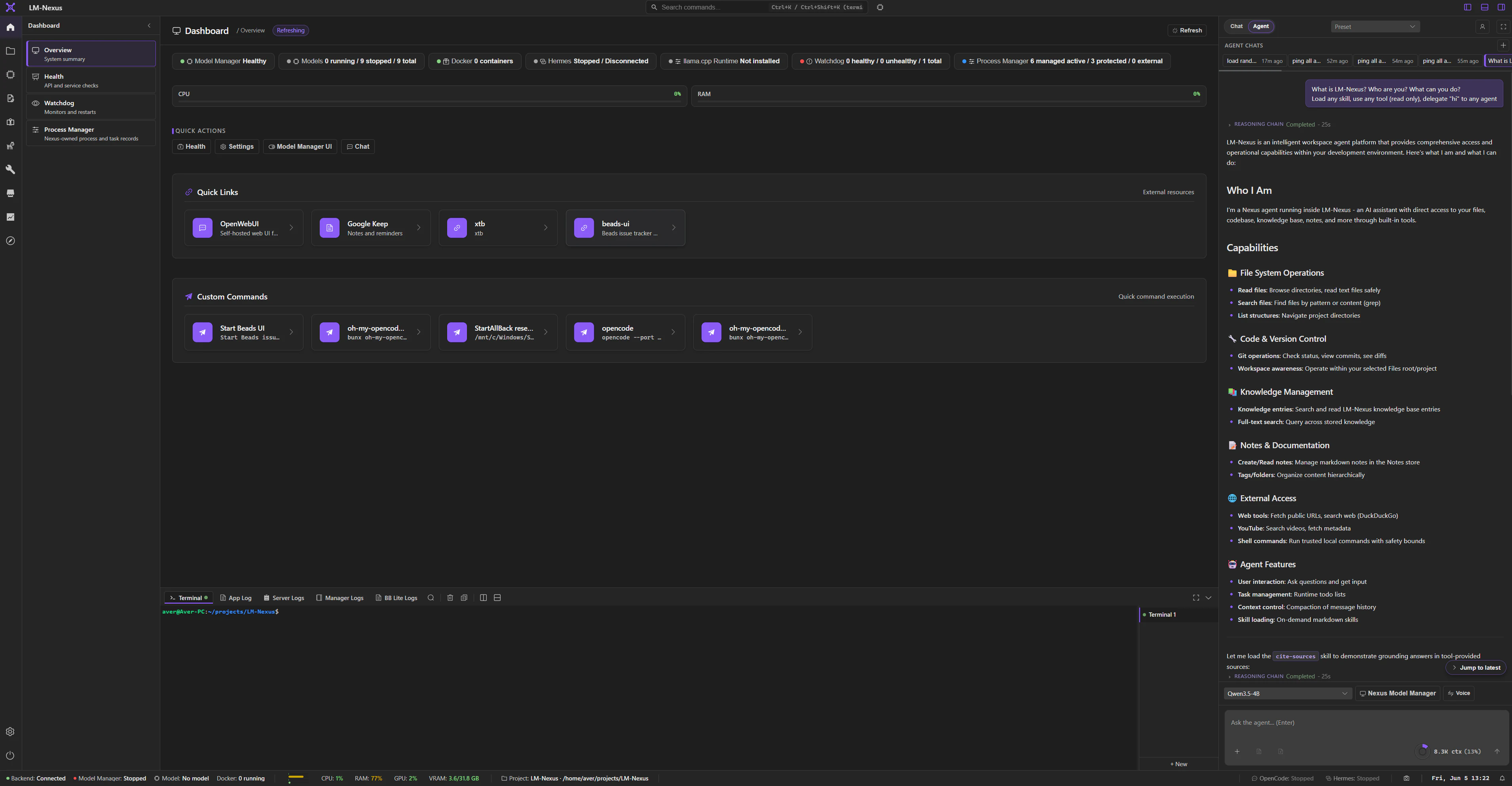
Files is where you open and work with local projects.
You can choose project roots, browse and search files, edit text, upload content, use archive/PDF helpers, and expose selected file actions to agents.
LM Nexus can also show named app-data locations or available drives without copying those files into the source repository.
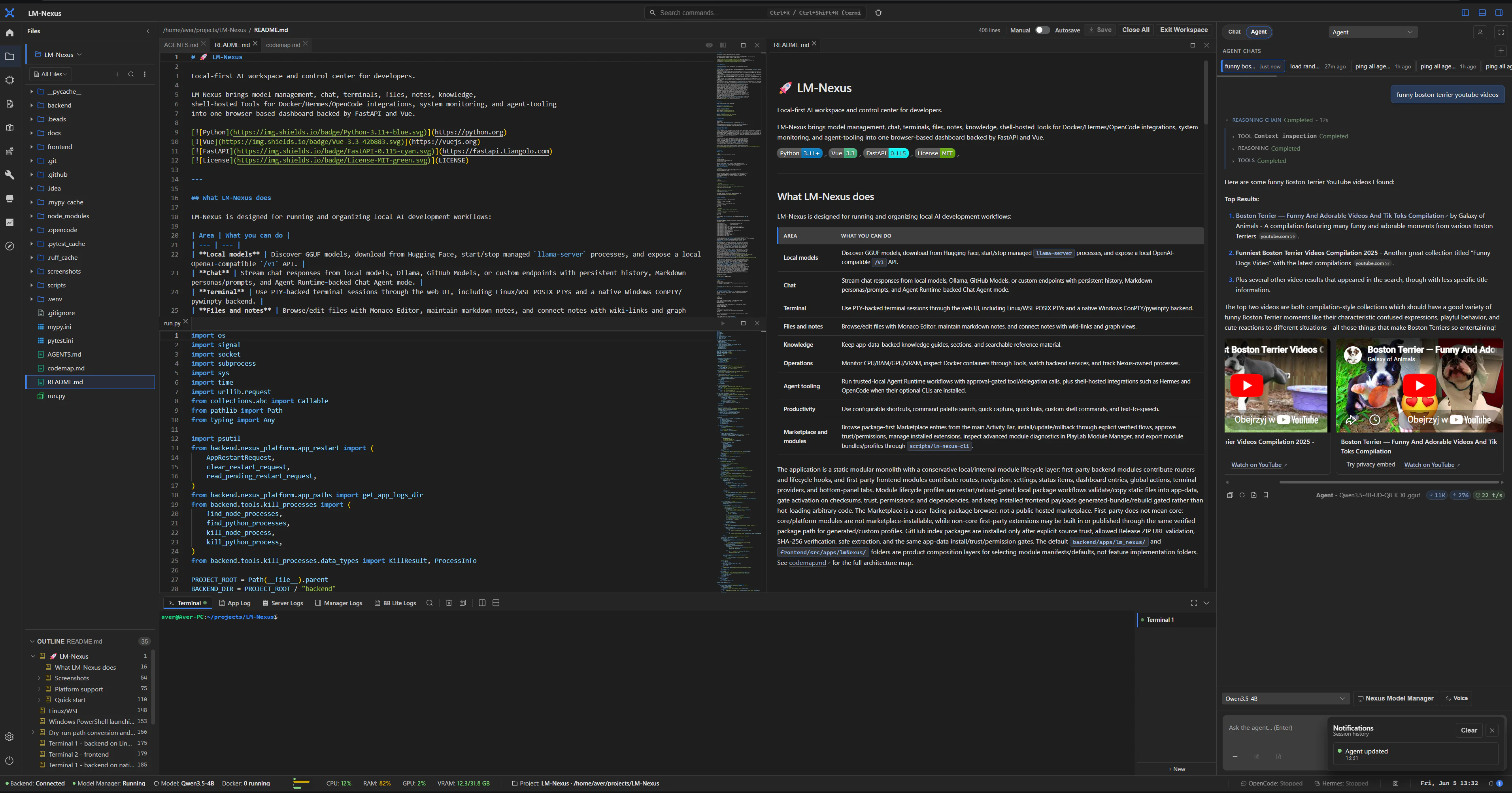
Notes is for working material: ideas, scratch notes, project notes, todos, and drafts.
Notes are Markdown-backed and can include:
- folders and tags;
- links and graph data;
- templates;
- canvas boards;
- search;
- agent tools for reading, creating, and updating notes.
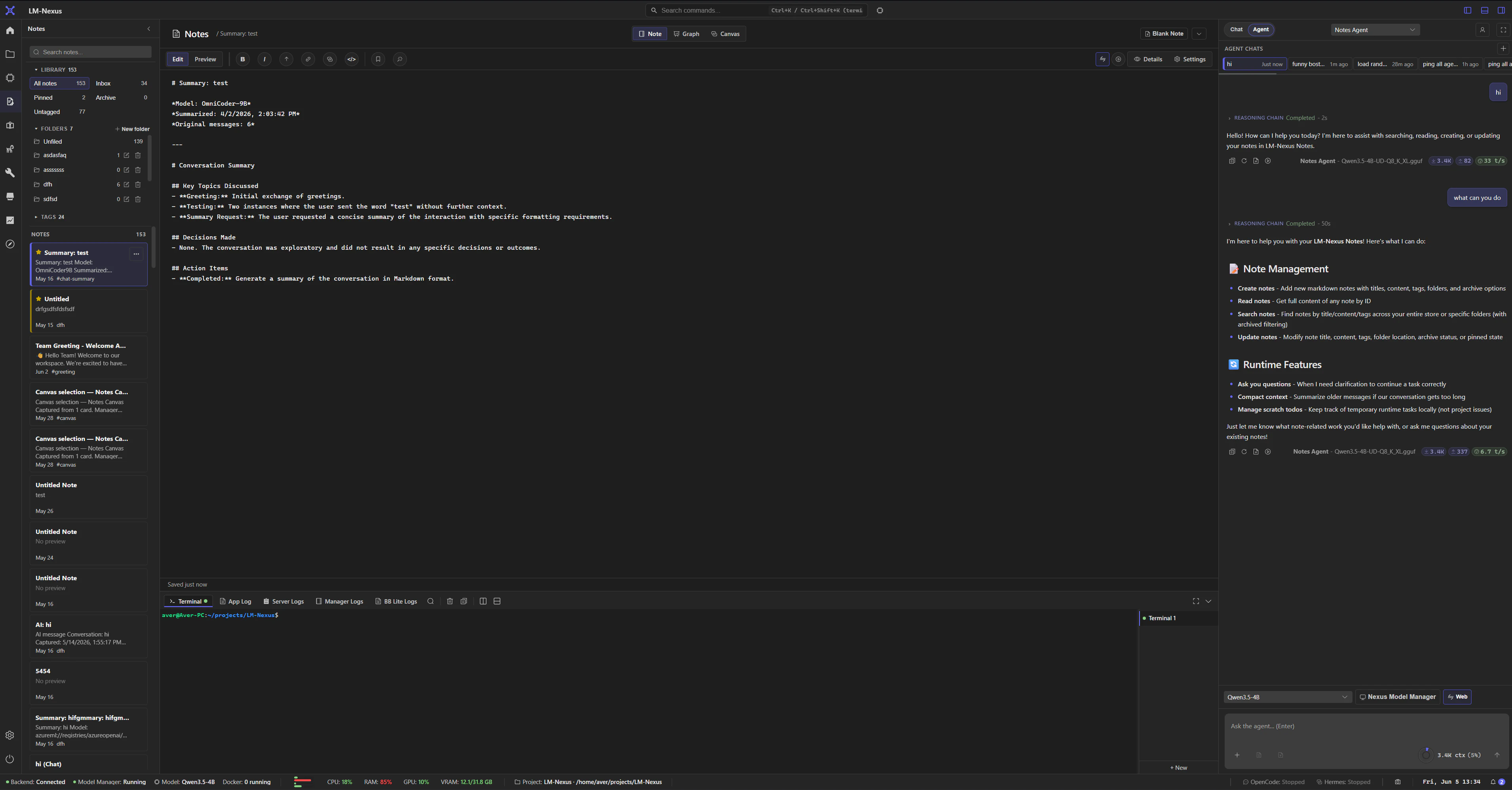
Canvas and graph views are different ways to work with the same Notes data; they are not separate stores.
Knowledge
Section titled “Knowledge”Knowledge is for reference material you expect to reuse.
A guide can contain structured Markdown sections, metadata, and searchable content. Agents can retrieve that material through the normal Knowledge tools.
A useful rule of thumb is:
- Notes for working material;
- Knowledge for stable reference.
Terminal, Git, and logs
Section titled “Terminal, Git, and logs”Terminal gives you local shell sessions from the web UI.
Git works against the project selected in Files and exposes normal UI actions plus limited read-only tools for agents.
Logs and runtime panels keep operational details visible when something is starting, failing, or using resources.
How the pieces work together
Section titled “How the pieces work together”Modules expose tools and shared capabilities instead of reaching directly into each other’s private code.
In practice, that means Chat can ask Files to read a project file, an agent can search Knowledge, and Git can stay tied to the selected project without turning the whole workspace into one monolithic feature.